
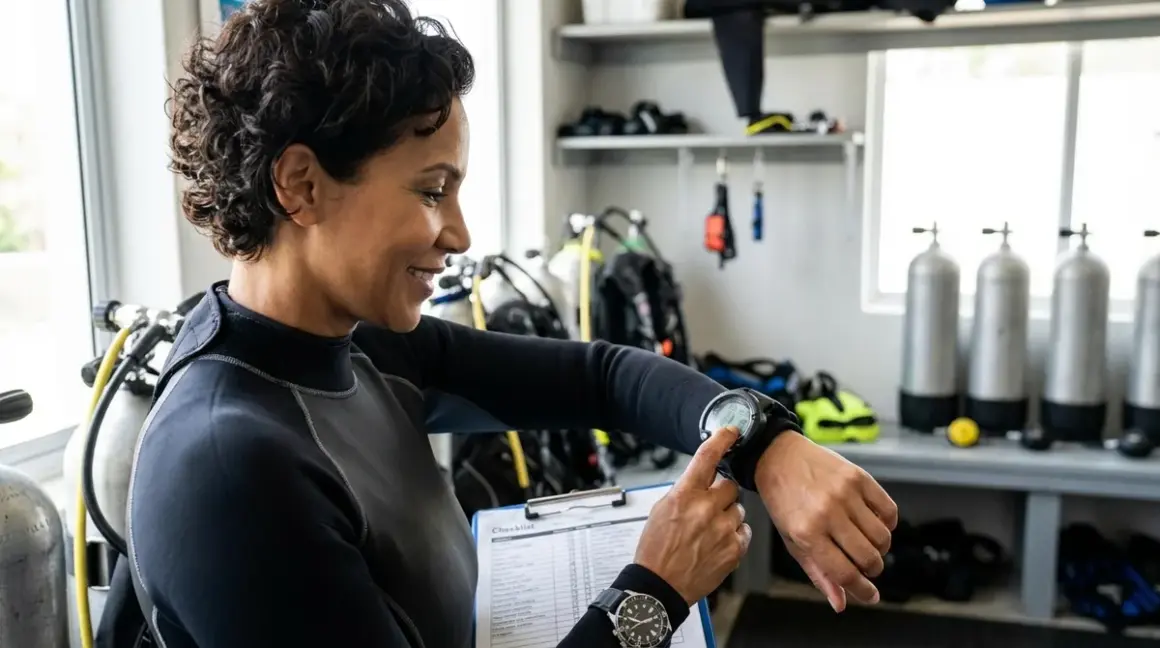

I've watched too many dives start badly because someone rushed their dive computer setup checklist on the boat deck. A glitchy computer at 60 feet isn't just inconvenient—it turns your dive into an exercise in stress management rather than the underwater exploration you planned for. Whether you're diving a basic wrist-mounted computer or a technical trimix-capable unit, there's a systematic approach to verifying everything works before you splash.
This dive computer setup checklist covers the essential verification steps I run through before every dive, from basic battery checks to algorithm configuration. These aren't suggestions—they're the pre-dive routine that's kept me and my students safe across thousands of dives in conditions ranging from tropical reefs to cold-water wrecks. If you're using a dive computer for the first time or you're just tired of that nagging feeling you've forgotten something, this is your step-by-step safety net.
Power and Display Verification
Your dive computer is only useful if it's actually functioning. I start every dive computer setup checklist by confirming the basics—power, display clarity, and essential indicators. This sounds obvious until you've suited up in a wetsuit only to discover your computer died overnight.
Check battery status indicator: Most modern dive computers display remaining battery life as a percentage or icon; anything below 30% means you should replace the battery or charge the unit before diving, not after. I learned this the hard way on a live-aboard in Palau when my computer died during dive three of a four-day trip.
Verify display contrast and backlight function: Activate the backlight or adjust contrast to ensure the screen is readable in current lighting conditions; screens that wash out in direct sunlight are worthless on a noon dive, and backlights that don't activate leave you squinting at 90 feet. Test this before you board the boat.
Confirm all display segments illuminate: Run through each screen mode to verify no segments or icons are dead; a missing depth digit or time indicator means your computer needs service, not a dive trip.
Test button responsiveness: Press each button to confirm it activates the expected function without sticking or requiring excessive force; water-damaged buttons often feel mushy or unresponsive, particularly on computers that haven't been maintained properly.
Check for condensation or moisture inside the display: Any fogging or water droplets visible behind the screen glass indicates o-ring failure or case damage; do not dive with this computer—it's already compromised and will likely flood completely at depth.
Verify audible alarms function: If your computer has acoustic warnings for ascent rate or NDL violations, test them in setup mode; I've seen computers with silent alarms that couldn't warn divers when they needed it most.
If you're curious about how dive computers calculate your safe bottom time, our guide on dive computer algorithms breaks down the decompression models these devices use.
Dive Mode and Gas Configuration
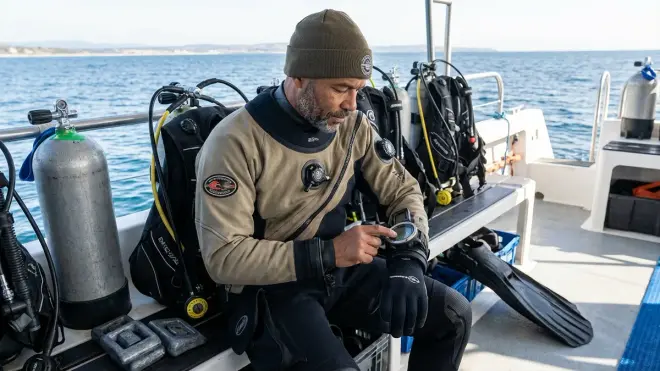
Getting your dive mode and gas settings wrong isn't just embarrassing—it can get you bent. This is the section of the dive computer setup checklist where attention to detail literally determines whether your computer calculates decompression correctly.
Select appropriate dive mode for your planned dive: Confirm you're in air mode for standard recreational dives, nitrox/EAN mode for enriched air, or gauge mode only if you're diving with written tables; I once watched a diver forget to switch from gauge mode and ended up with zero decompression information mid-dive.
Set oxygen percentage correctly for nitrox dives: If you're diving enriched air, verify the FO₂ matches your cylinder analysis exactly—diving 32% nitrox while your computer thinks you're on air will give you misleading NDL information. Our article on nitrox mode settings covers this in detail.
Verify maximum operating depth (MOD) for your gas mix: Most computers calculate and display MOD based on your oxygen percentage and ppO₂ limit (typically 1.4 ATA for recreational diving); confirm this matches your dive plan before you descend past it.
Confirm conservatism or safety factor settings: Many computers allow you to adjust decompression conservatism with factors like Suunto's RGBM personal adjustment or Shearwater's gradient factors; decide before the dive whether you want standard or conservative calculations—don't adjust this underwater because you don't like what the computer tells you.
Check dive profile mode: Ensure you're in the right profile type—recreational vs technical, single-gas vs multi-gas, or freediving vs scuba mode; technical computers often have multiple modes that completely change how they calculate your dive.
Disable or configure air integration if equipped: If your computer supports wireless air integration, verify it's paired with your transmitter and showing tank pressure; if you're not using this feature, some divers prefer to disable it to eliminate a potential distraction.
According to PADI's dive computer recommendations, proper gas configuration is one of the most commonly overlooked steps in pre-dive setup, yet it's critical for accurate decompression calculations.
Time, Altitude, and Environmental Settings
Dive computers aren't smart enough to know where you are unless you tell them. This section of your dive computer setup checklist ensures your computer's baseline assumptions match your actual dive conditions.
Set current time and date: While this seems cosmetic, accurate timestamps are critical for calculating surface intervals and residual nitrogen loading; if your computer thinks you've been at the surface for 8 hours when it's only been 2, your calculations are wrong from the start.
Configure time zone correctly for travel: I've logged dives in Southeast Asia while my computer was still on Pacific time—the computer doesn't care, but your logbook becomes a mess, and multi-day surface interval calculations can get confused on some older units.
Activate altitude mode if diving above 1,000 feet elevation: Reduced atmospheric pressure at altitude changes decompression calculations significantly; most computers auto-adjust or prompt you to set altitude bands (0-1000m, 1000-2000m, etc.), but you need to verify this activated correctly.
Verify water type setting: Some computers differentiate between salt and fresh water for depth calculations since freshwater is less dense; getting this wrong introduces a 2-3% depth error, which matters more as you go deeper.
Check temperature units and display preferences: Confirm your computer displays Celsius or Fahrenheit according to your preference—less critical for safety, but useful for logbook accuracy and thermal exposure planning.
If you're diving in cold conditions where environmental factors matter more, our guide to cold water regulators discusses how temperature affects all your equipment, not just your computer.
Safety Limits and Alarm Configuration
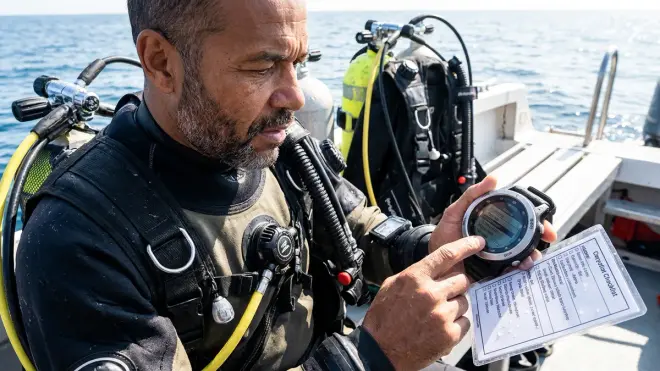
Your dive computer setup checklist isn't complete until you've configured the warnings and limits that keep you out of trouble. These are the guardrails that tell you when you're approaching a boundary you shouldn't cross.
Set maximum depth alarm: Configure this to sound 5-10 feet above your planned maximum depth; it's your early warning that you're descending beyond your plan, giving you time to check your depth and adjust before you exceed your limit.
Configure no-decompression limit (NDL) warning: Most computers can alert you when you're approaching zero NDL—I typically set this for 5 minutes remaining, which gives adequate time to start a controlled ascent without panic.
Set ascent rate alarm appropriately: Standard recreational ascent rate is 30 feet per minute or slower; your computer should warn you if you exceed this, as rapid ascents are a primary cause of decompression illness. Test that this alarm is active and audible.
Verify ppO₂ maximum alarm: For nitrox diving, confirm your partial pressure of oxygen alarm is set correctly—typically 1.4 ATA for working dives and 1.6 ATA for decompression stops; exceeding these limits risks oxygen toxicity.
Configure missed safety stop warning: Many computers warn if you skip or rush through your safety stop; this is particularly useful for newer divers still working on buoyancy control at 15 feet.
Check CNS oxygen tracking activation: If your computer tracks central nervous system oxygen exposure, verify this is enabled for nitrox diving—this running percentage helps you avoid cumulative oxygen toxicity across multiple dives.
Set conservative factors if appropriate: Older divers, divers with higher body fat percentage, those with previous DCI history, or anyone diving in cold water should consider activating conservative settings; there's no prize for pushing your computer to the edge of its algorithm.
Understanding how to read your dive computer display becomes critical when these alarms trigger underwater—knowing what each warning means before you're at depth keeps you calm and responsive.
Pre-Dive System Test and Initialization
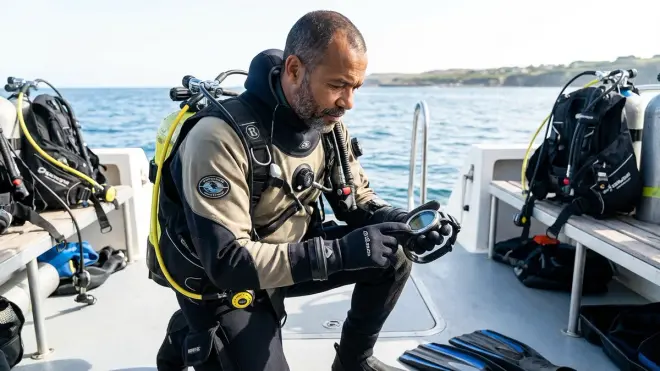
The final stage of your dive computer setup checklist happens right before you enter the water. This is where you verify everything initialized correctly and your computer is ready to start tracking your dive.
Perform a wet activation test if applicable: Some computers activate automatically when submerged—briefly dunk the computer in fresh water to confirm it switches to dive mode and starts recording. Don't skip this; I've seen computers fail to activate until 20 feet down, losing the first portion of the dive profile.
Verify zero depth reading at surface: Before descent, confirm your computer shows 0 feet or 0 meters at the surface; if it reads 5 feet on the boat deck, the depth sensor is miscalibrated and your entire dive profile will be wrong.
Check surface interval display: If this isn't your first dive of the day, verify your computer displays the correct surface interval time and residual nitrogen status; this affects your bottom time for the current dive.
Confirm dive log memory isn't full: Most computers store 20-200 dives depending on the model; if memory is full, some older units stop recording new dives or overwrite your oldest data—download your logbook before the trip.
Test wireless transmitter pairing: For air-integrated computers, verify tank pressure displays correctly before you descend; if the pairing fails at 40 feet, you're diving without a pressure gauge unless you have a backup SPG.
Disable or acknowledge any active warnings: Clear any lingering warnings from previous dives or settings changes; starting a dive with active alarms makes it harder to notice new warnings that actually matter.
Verify dive computer is in AUTO or READY mode: Most computers show a standby screen indicating they're ready to start recording a dive; if yours is in PLAN mode or LOG mode, it won't track your actual dive properly.
For a comprehensive approach to pre-dive checks beyond just your computer, our BCD pre-dive safety checklist covers the other critical components of your life support system.
Multi-Day Trip and Travel Considerations
If you're diving from a live-aboard or doing multiple days of diving, your dive computer setup checklist expands to include ongoing maintenance and verification steps between dives.
Rinse with fresh water after every dive: Salt crystals and debris can compromise buttons and seals; a thorough rinse eliminates this, particularly around button seals and the pressure sensor port.
Store away from heat and direct sunlight: Leaving your computer on a sun-baked boat deck can damage the display, drain the battery faster, and degrade o-ring seals—store it in your mesh dive bag in the shade between dives.
Monitor battery level throughout the trip: Check battery status before each dive; some computers chew through power faster in cold water or when using backlights frequently. Carry spare batteries if your computer allows field replacement, or bring a charging cable for rechargeable units.
Verify surface interval between dives: Before your second and subsequent dives, confirm your computer shows the correct time since your last dive; if you change time zones or the computer resets, it might think you have zero residual nitrogen when you actually have significant loading.
Avoid downloading or resetting between dive days: Leave your computer in active diving mode throughout a multi-dive trip; resetting it clears residual nitrogen calculations and could give you dangerously optimistic bottom times.
Our guide on choosing a dive computer discusses features that matter most for frequent travelers, including battery life and durability considerations.
Final Check Before You Go
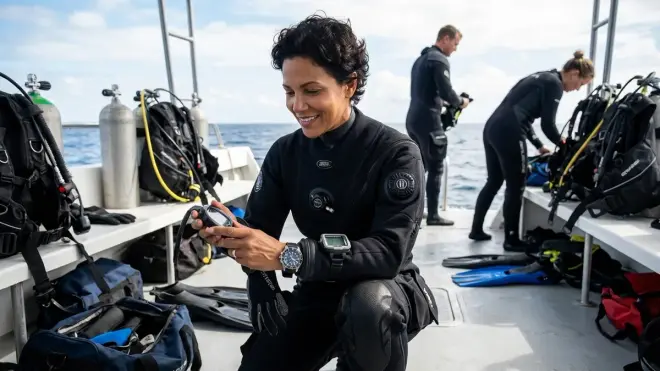
Here's your condensed dive computer setup checklist you can run through in under two minutes once you've internalized these steps:
- Battery status check — above 30%, charged, or fresh batteries installed
- Display and buttons test — all segments visible, buttons responsive, backlight functional
- Dive mode selection — air, nitrox, or appropriate technical mode
- Gas configuration — FO₂ percentage matches analyzed mix
- Altitude and environmental settings — correct altitude band, water type verified
- Safety alarms armed — depth, NDL, ascent rate, and ppO₂ warnings configured
- Surface depth verification — reads 0 feet/meters before entry
- Surface interval confirmed — correct time displayed if repetitive dive
- Wet activation test — computer activates when submerged
- Backup plan in place — dive tables, backup computer, or buddy's computer as redundancy
I keep a laminated version of this checklist in my dive gear bag because even after thousands of dives, rushing through these steps is how mistakes happen. Two minutes of verification prevents an entire dive's worth of uncertainty.
Frequently Asked Questions
What should I do if my dive computer fails during a dive?
If your dive computer malfunctions underwater, immediately abort the dive with a slow, controlled ascent at no more than 30 feet per minute, making a safety stop at 15 feet for 3-5 minutes even if you were shallow. Surface conservatively and sit out the next 12-24 hours to allow residual nitrogen to dissipate. Do not attempt to continue the dive using your buddy's computer for reference—your nitrogen loading is unique to your profile, and your buddy's computer doesn't know your tissue saturation. This is why I always dive with a backup computer or tables, particularly on multi-dive trips where a computer failure would otherwise end my diving.
How often should I have my dive computer serviced or tested?
Most manufacturers recommend professional service every 2-3 years or after 100-200 dives, whichever comes first, focusing on o-ring replacement, pressure sensor calibration, and battery testing. Between services, check your computer's depth reading in a pool—if it reads 10 feet when you're actually at 10 feet, the sensor is accurate. Our dive computer maintenance checklist covers the routine maintenance you can handle yourself. If your computer has been dropped, flooded, or exposed to extreme temperatures, have it tested immediately regardless of service interval—internal damage isn't always obvious from the outside.
Can I use two different dive computers on the same dive?
Yes, wearing two dive computers simultaneously is common practice for technical divers and serves as excellent redundancy for recreational divers, but you must follow the most conservative computer's guidance—if one computer says you have 5 minutes of NDL remaining while the other shows 15 minutes, you follow the 5-minute limit. Different algorithms calculate decompression differently, so computers from different manufacturers will often give different NDL times for the identical dive profile. This isn't a malfunction—it's different mathematical models making different safety assumptions. Never average the two computers or ignore the conservative one because you prefer more bottom time.
Final Thoughts
Your dive computer setup checklist becomes second nature after a dozen dives, but it should never become invisible. I still run through these verification steps methodically because the consequences of skipping them aren't worth the 90 seconds I save. I've called dives before they started because my computer showed a battery warning, and I've helped students discover misconfigured nitrox settings that would have given them 20 minutes of false bottom time.
The best dive computer in the world is useless if it's configured wrong, running on 8% battery, or still set to the altitude you were at last week. Your computer is calculating decompression for the dive you're about to do based entirely on the information you give it—wrong altitude, wrong gas mix, wrong starting assumptions means wrong calculations. Treat this checklist like your pre-flight checklist if you were piloting a plane, because the consequences of getting it wrong happen in an environment where you can't just pull over and fix the problem.
Set up properly, verify thoroughly, and dive confidently. That's the sequence that works.