
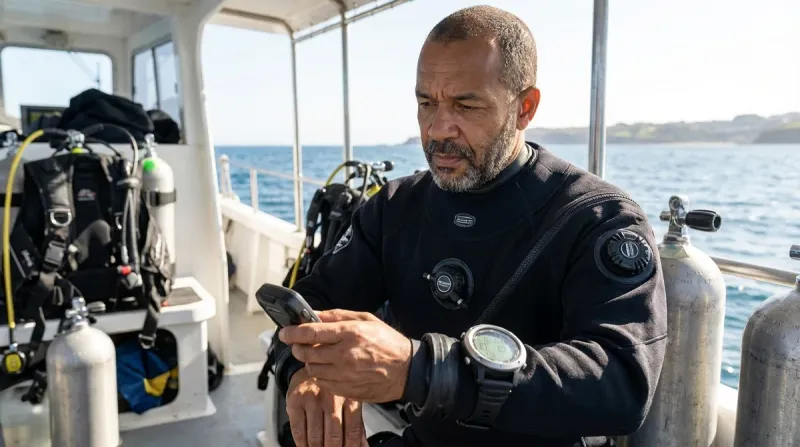

If you've invested in biometric dive technology—heart rate monitors, breathing rate sensors, temperature tracking, or integrated physiological monitoring—you already know that this gear promises to change how we approach dive safety. But here's the reality I've learned after testing these systems across dozens of dives: biometric sensors are only as reliable as your pre-dive setup and calibration. This biometric dive safety checklist walks you through every critical check, calibration step, and verification procedure you need before trusting these sensors with your actual dive planning and safety decisions.
I've watched divers skip the calibration steps because they're eager to get in the water, only to surface with completely bogus heart rate data or breathing metrics that made no physiological sense. Whether you're using a dedicated biometric dive computer or standalone sensors integrated with your existing dive computer, this checklist ensures your biometric data is accurate, reliable, and actually useful for monitoring your dive stress and gas consumption patterns.
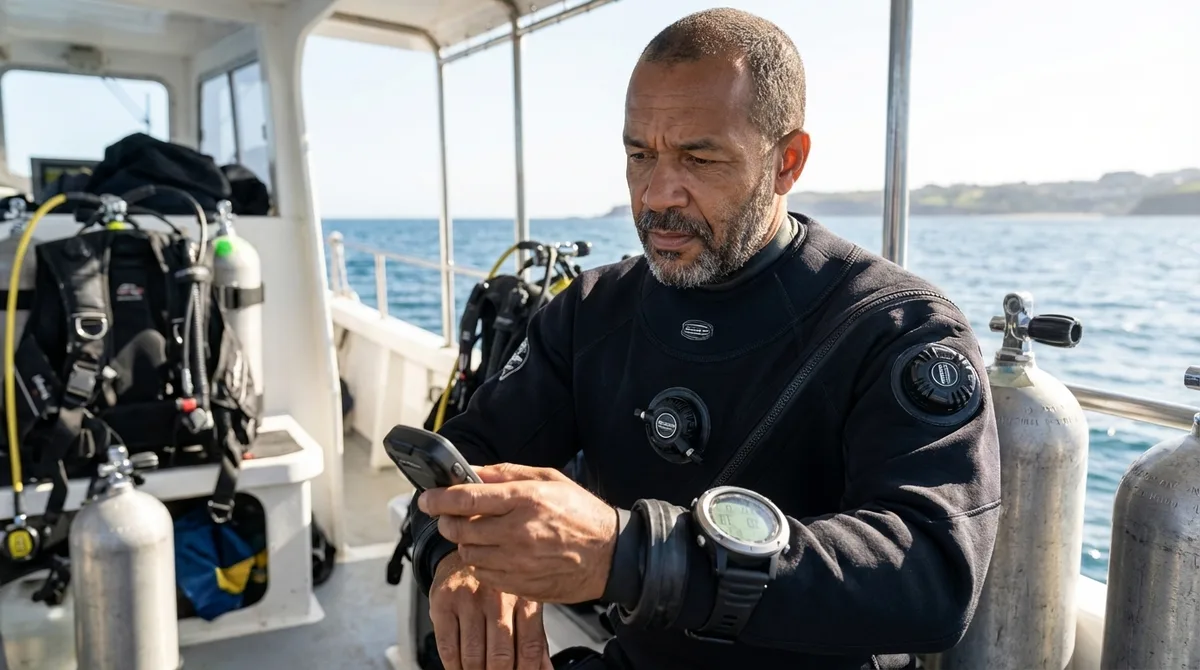
Pre-Dive Sensor Physical Inspection
Before you even think about powering up your biometric system, you need to verify that the hardware itself is dive-ready. I learned this the hard way on a drift dive in Cozumel when a partially flooded heart rate chest strap gave me readings that jumped between 45 and 210 bpm—neither of which reflected my actual physiological state.
Check heart rate chest strap condition: Examine the entire strap for cracks, worn elastic, or corroded contact points where salt buildup commonly occurs after multiple dives.
Verify optical sensor windows are clean: On wrist-worn sensors and dive computers with optical heart rate monitoring like the Garmin Descent G1, any debris, sunscreen residue, or micro-scratches can scatter the LED light and corrupt your readings entirely.
Inspect sensor contact surfaces for corrosion: Marine-grade stainless steel contacts should show no pitting or green oxidation; if you see corrosion, clean with white vinegar and a soft brush or replace the sensor assembly.
Test electrode gel or conductive material: For chest strap systems, the conductive surfaces must be slightly damp or gel-treated to maintain electrical contact—dry contacts mean no signal transmission.
Check battery compartment o-ring integrity: Even a tiny grain of sand under the battery cap o-ring can allow a pressure leak that floods the sensor at depth; remove the cap, inspect the o-ring for cuts or deformation, and lightly lubricate with silicone grease.
Verify mounting hardware is secure: Whether it's a chest strap buckle, wrist computer strap, or tank-mounted sensor bracket, loose hardware means sensor movement that introduces motion artifacts into your data.
Confirm wireless connectivity antennas are intact: The small plastic antenna covers on ANT+ and Bluetooth sensors are fragile and can crack during gear transport; a damaged antenna means intermittent signal dropout underwater.
Test waterproof seals on wired connections: If your system uses wired sensor integration, inspect every connector, cable gland, and sealed port for proper engagement—water ingress at depth will kill the electronics and potentially damage your primary dive computer.
Sensor Calibration and Baseline Establishment
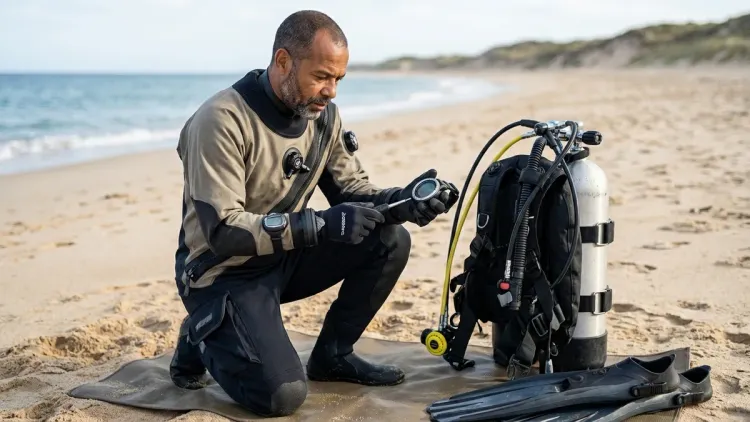
This is where most divers cut corners, and it's exactly where biometric systems fail most often. Factory calibrations drift over time, and your personal physiological baseline changes with fitness level, hydration, and recent dive activity. I calibrate every sensor before every dive day—not just when I feel like it.
Establish resting heart rate baseline: Sit quietly for five minutes before diving and record your resting HR; this becomes your comparison point for understanding exertion levels and stress responses during the actual dive.
Perform breathing rate sensor zero-point calibration: Many tank-mounted breathing sensors require a pre-dive atmospheric pressure reference; follow the manufacturer's specific procedure (usually holding a button for 3-5 seconds until you see a confirmation indicator) to set the zero point.
Sync time and date settings: Biometric data is worthless if the timestamps don't match your dive computer logs—verify that all devices share the same time reference so you can correlate physiological data with depth, time, and decompression information later.
Configure personal biometric thresholds: Set your maximum and minimum heart rate alarms based on your actual fitness level, not generic defaults; a 55-year-old diver and a 25-year-old diver have vastly different safe operating ranges.
Verify altitude and barometric pressure correction: If you're diving at altitude or traveled by air recently, many sensors need manual altitude input to correctly calculate breathing rates and gas consumption—check your device manual for the specific procedure.
Test sensor-to-computer pairing and signal strength: Power on all devices and verify strong signal connection before gearing up; weak pairing at the surface usually means complete signal loss at depth when electromagnetic propagation through water degrades further.
Perform skin contact test: For optical sensors, the device should register a stable heart rate within 10-15 seconds of proper contact; if it takes longer or jumps erratically, adjust the fit, clean the sensor, or troubleshoot the contact surface.
Document battery voltage levels: Most biometric sensors display remaining battery capacity; anything below 30% means you're risking a mid-dive failure, and replacing batteries at that threshold prevents surprises during your safety stop.
Integration with Dive Computer and Data Systems
Standalone biometric sensors are interesting gadgets, but they become safety tools only when properly integrated with your dive planning and decompression algorithms. I've seen too many divers collect beautiful heart rate graphs that had zero connection to their actual dive profile because they never completed this integration step.
Verify wireless protocol compatibility: Confirm your sensors use the same wireless standard (ANT+, Bluetooth LE, or proprietary protocols) as your receiving device; mixed protocols simply won't communicate regardless of brand promises.
Enable biometric data logging in dive computer: Many dive computers with heart rate monitoring capabilities ship with biometric logging disabled by default to save battery—dig into your settings menu and enable all relevant data channels.
Configure real-time display preferences: Decide which biometric metrics you want visible during the dive versus post-dive analysis only; cluttered displays underwater are counterproductive, so I typically display only heart rate in real-time and review breathing rate after surfacing.
Set up physiological alarm thresholds: Configure your dive computer to alert you when heart rate exceeds your safe maximum or when breathing rate indicates stress or excessive gas consumption patterns.
Test data transmission underwater: Before leaving the dock, perform a shallow 10-foot test dive to confirm sensors transmit through water at your specific setup configuration; electromagnetic signal propagation varies dramatically with sensor placement, body composition, and mounting geometry.
Verify data synchronization with logbook software: If you're using digital dive logging platforms, confirm that biometric data transfers correctly from your dive computer; many systems require specific export formats or third-party sync applications.
Configure decompression model biometric integration: Advanced algorithms like the Shearwater NERD 2 can adjust conservatism factors based on real-time workload and stress indicators from biometric data—enable these features if your computer supports them.
Environmental and Personal Factors Check
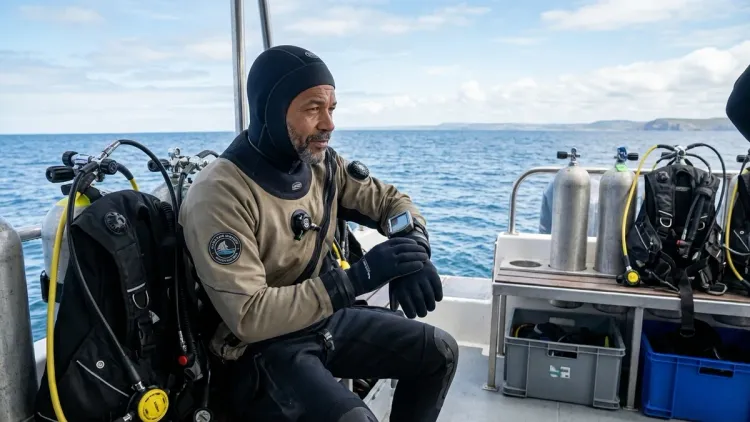
Biometric sensors don't operate in isolation—they're affected by everything from water temperature to your previous night's sleep quality. This section covers the contextual factors that influence sensor accuracy and data interpretation, based on patterns I've observed across hundreds of logged biometric dives.
Assess current hydration status: Dehydration increases heart rate and alters breathing patterns independently of dive stress; drink water deliberately before diving and understand that biometric baselines shift with hydration levels.
Check skin temperature and perfusion: Cold extremities mean reduced blood flow to optical sensors on wrists or fingers, resulting in weak or absent signals; if your hands are cold before splashing, expect optical sensors to fail until blood flow increases with activity.
Verify proper sensor placement for body type: Chest strap position varies with body composition—place the sensors just below the pectoral muscles where rib definition is palpable, not up near the sternum where strap movement causes artifacts.
Consider recent physical activity: If you just hauled tanks down a rocky beach or geared up in significant heat, your pre-dive baseline is artificially elevated and won't reflect your actual resting state for calibration purposes.
Account for medication effects: Beta blockers, stimulants, antihistamines, and decongestants all alter heart rate and breathing patterns; if you're on medication, establish your personal baseline while on that medication rather than using historic reference data.
Review recent dive history and residual nitrogen: Successive dive days accumulate fatigue that elevates baseline heart rate and breathing rate even when you feel subjectively rested; compare current baselines to your day-one calibration to track accumulated fatigue.
Check for skin irritation or allergic reactions: Chest strap contact dermatitis or wrist sensor pressure points can cause fidgeting and poor sensor contact that degrades data quality throughout the dive.
Evaluate environmental temperature extremes: Both cold water and tropical heat stress affect physiological baselines in predictable ways; cold water diving elevates heart rate while tropical surface intervals can cause heat-related tachycardia before you even descend.
Final Check Before You Go

Run through this compressed checklist in the final five minutes before splashing—this is your last chance to catch calibration errors or hardware problems before they become underwater complications.
- All sensor battery indicators show adequate charge (>30%)
- Wireless pairing confirmed with strong signal between all devices
- Sensors show stable readings during 30-second stationary test
- Dive computer displays biometric data on main screen
- Personal alarm thresholds configured and enabled
- Time/date synchronized across all devices
- Sensor contact surfaces clean and properly positioned
- Baseline resting heart rate documented for this dive
- Backup dive plan doesn't depend on biometric data functioning
- Post-dive data export method confirmed and ready
I keep this final checklist on a small laminated card attached to my BCD inflator hose so I can review it even after gearing up fully—there's nothing more frustrating than discovering a calibration problem at 60 feet when it's too late to fix it.
Frequently Asked Questions
How often do I need to recalibrate biometric dive sensors?
Calibrate biometric sensors before each dive day and after any battery replacement, firmware update, or extended storage period exceeding two weeks; sensors that sit unused for weeks can drift from factory specifications due to temperature cycling and component aging. For daily diving on a dive trip, perform a full calibration each morning and verify baseline readings between dives, but you don't need complete recalibration between afternoon dives on the same day unless you notice erratic readings.
Can I use medical-grade heart rate monitors instead of dive-specific sensors?
Standard medical or fitness heart rate monitors are not pressure-rated or waterproof to scuba depths and will fail or flood beyond shallow snorkeling depths, typically catastrophically at pressures exceeding 2-3 atmospheres; dive-specific biometric sensors use sealed housings with pressure compensation, marine-grade materials, and algorithms calibrated for underwater electromagnetic propagation. The Polar H10 chest strap is waterproof to 30 meters for surface swimming but is not rated for compressed gas diving, while proper dive sensors are tested and certified to 100-200 meter depths depending on the model.
What should I do if my biometric sensor gives inconsistent readings during a dive?
If you notice erratic or physiologically impossible readings during a dive—such as heart rates above 200 bpm while neutrally buoyant or breathing rates that don't correlate with your perceived exertion—stop relying on that data immediately and revert to your standard dive plan without biometric input. After surfacing, check for obvious hardware problems like loose sensor straps, corroded contacts, or low battery indicators, then perform a complete recalibration sequence before attempting another dive with that sensor; inconsistent data is worse than no data because it can drive poor decisions about exertion levels and gas consumption.
Final Thoughts
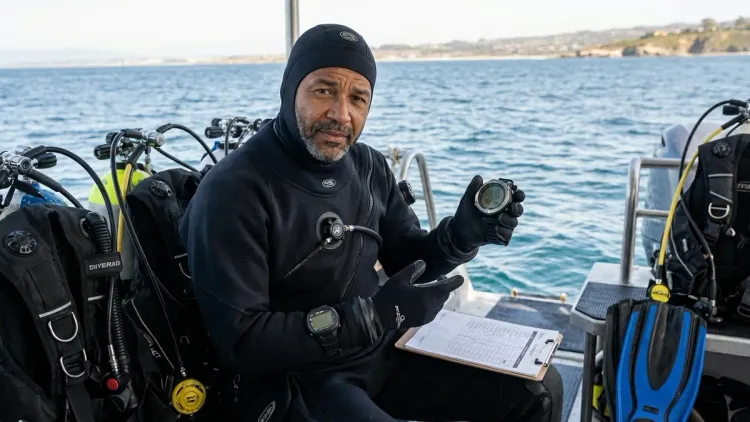
Biometric dive technology represents a genuine advancement in how we understand our physiological responses underwater—but only when the sensors are properly calibrated, correctly positioned, and thoughtfully integrated into your overall dive planning process. I've spent enough dives troubleshooting failed sensors and analyzing garbage data to know that the pre-dive checklist matters as much as the technology itself.
The difference between useful biometric data and electronic noise comes down to discipline in following these calibration and verification procedures before every dive. Take the extra ten minutes to run through this biometric dive safety checklist properly, and you'll build confidence in the data these sensors provide. Skip the steps, and you're just carrying extra weight underwater with no safety benefit.
Your biometric sensors should enhance your dive safety awareness, not replace your fundamental understanding of dive physiology and gas management. Treat them as supplemental information that helps you recognize patterns in your workload, stress responses, and gas consumption—but never make critical safety decisions based solely on sensor readings without cross-referencing your training, experience, and actual dive conditions. That's the approach that's kept my biometric data both accurate and genuinely useful across more than 400 dives with these systems.